
Dashboards
User Assignment
Control which crew users can access specific dashboards
You can assign dashboards to specific crew (User role) users to control who sees what data.
Assigning Users to a Dashboard
Go to the Dashboards list page.
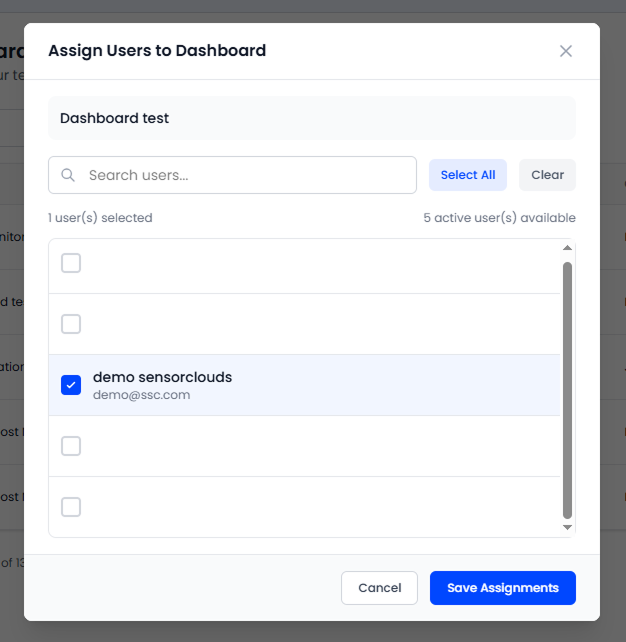
Click the Users icon on the dashboard row you want to configure.
Select crew users from the list of available users.
Click Save to apply the assignments.
Visibility Rules
| Role | Can See |
|---|---|
| ADMIN | All dashboards in the tenant |
| ENGINEER | All dashboards in the tenant |
| USER | Assigned dashboards + public dashboards |
Public Dashboards
Mark a dashboard as Public to make it visible to all users in the tenant, regardless of assignment. Public dashboards don't require explicit user assignment.
Use public dashboards for organization-wide monitoring views. Use assignments for team-specific or role-specific dashboards.