Alarms
Alarm System
Monitor telemetry and trigger alerts when conditions are met
The alarm system monitors telemetry data in real-time and triggers alerts when conditions are met.
Components
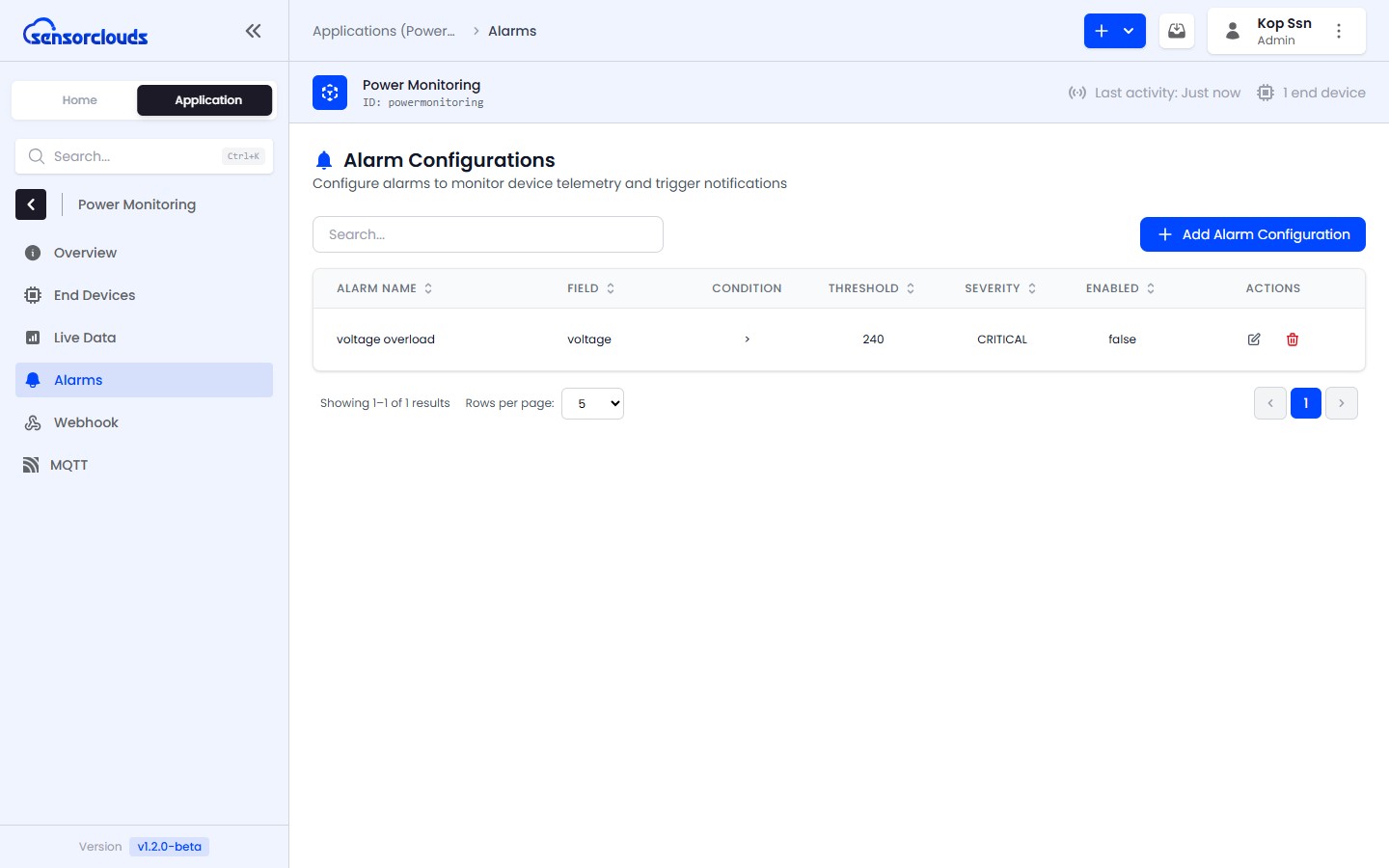
Alarm Rules
Define what conditions trigger an alarm - e.g., temperature above 40°C
Alarm Instances
Individual occurrences of triggered alarms that you acknowledge and resolve
Actions
What happens on trigger - a platform notification or an integration (Slack, Telegram, HTTP)
The alarm view is split into Active and History tabs, so you can focus on what's firing now versus what's already been handled.
Alarm Flow
- Telemetry data arrives from a device
- The alarm evaluator checks all enabled rules for the device's application
- If a condition is met:
- Apply the duration requirement (the condition must hold for the configured time before firing)
- Check the cooldown period to prevent re-triggering
- Create an Alarm Instance with status ACTIVE
- Execute configured actions (platform notification and/or integrations)
- Users can Acknowledge and Resolve alarm instances
The number of alarm rules you can create is capped by your tenant's subscription plan. See Tenant Profiles.
Severity Levels
| Severity | Use Case |
|---|---|
| INFO | Informational alerts that don't require immediate action |
| WARNING | Values approaching a limit - attention needed soon |
| CRITICAL | Values requiring immediate action |