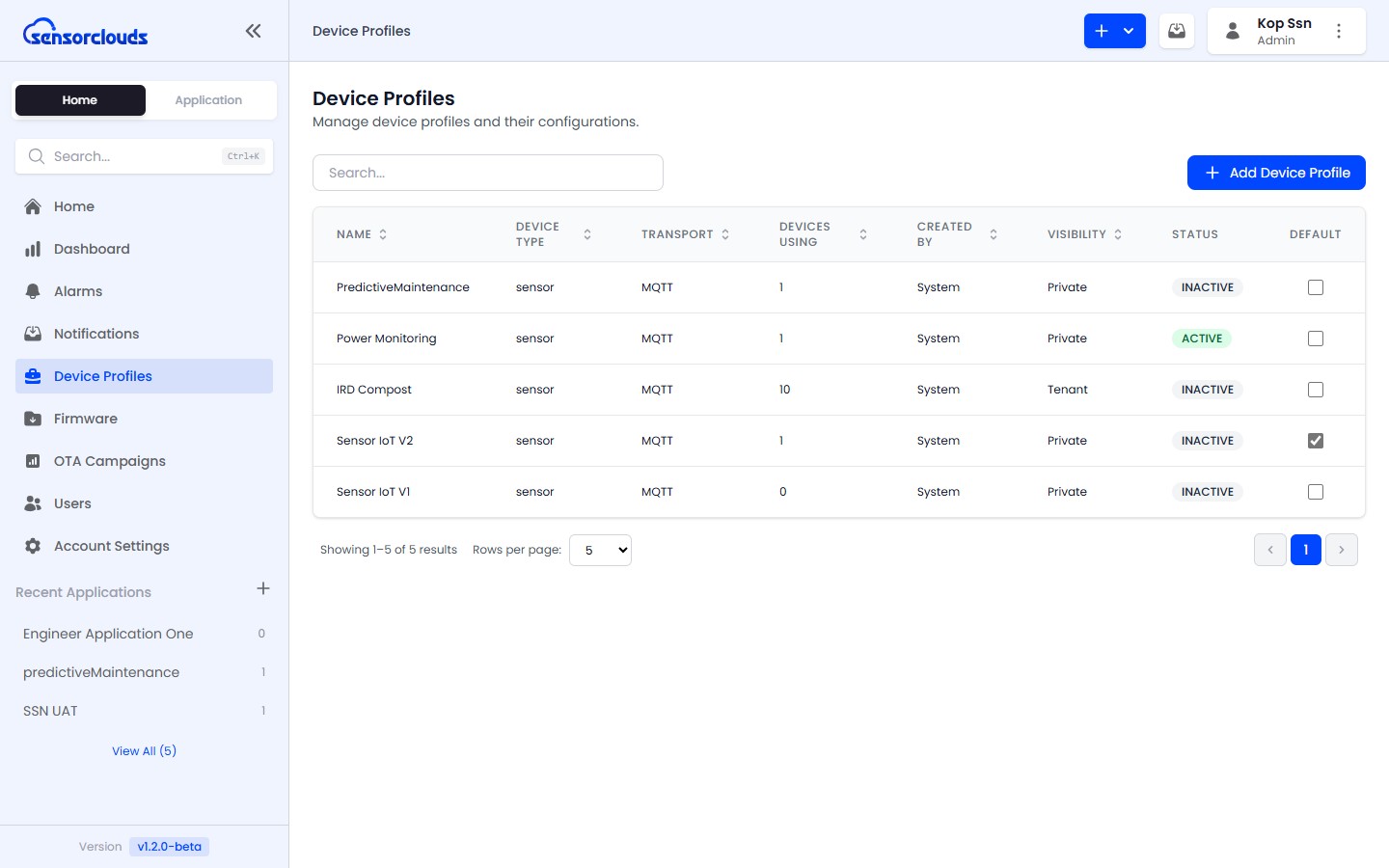
Device Profiles
Device Profiles
Configuration templates that define how your IoT devices behave on the platform
A Device Profile is a configuration template that defines how a class of devices behaves on the Sensorclouds platform.
Why Use Profiles?
- Consistent settings across similar devices
- Configure payload decoding once, apply to many devices
- Set MQTT parameters (QoS, keep-alive) per device type
- Manage decoder scripts centrally instead of per-device
Profile Properties
| Property | Description |
|---|---|
| Name | Human-readable profile name |
| Description | Details about the device type |
| Profile Key | Unique identifier (auto-generated) |
| Device Type | Category: sensor, actuator, gateway, etc. |
| Transport Type | Communication protocol |
| Codec Type | NONE (raw JSON passthrough) or CUSTOM (JavaScript decoder) |
| Visibility | PRIVATE or TENANT (see visibility rules below) |
| Timestamp Source | PLATFORM (server time) or DEVICE (device-provided time) |
Visibility Rules
Device profiles use a visibility system to control access across your tenant:
| Visibility | Description |
|---|---|
| PRIVATE | Only visible to the creator and tenant Admins |
| TENANT | Visible to all users within the tenant |
Access varies by role:
| Role | Can See |
|---|---|
| ADMIN | All profiles in the tenant regardless of visibility |
| ENGINEER | Own profiles (any visibility) + TENANT-visible profiles from other users |