Platform Roles
Crew / User
Read-only access to assigned dashboards, device status, and notifications
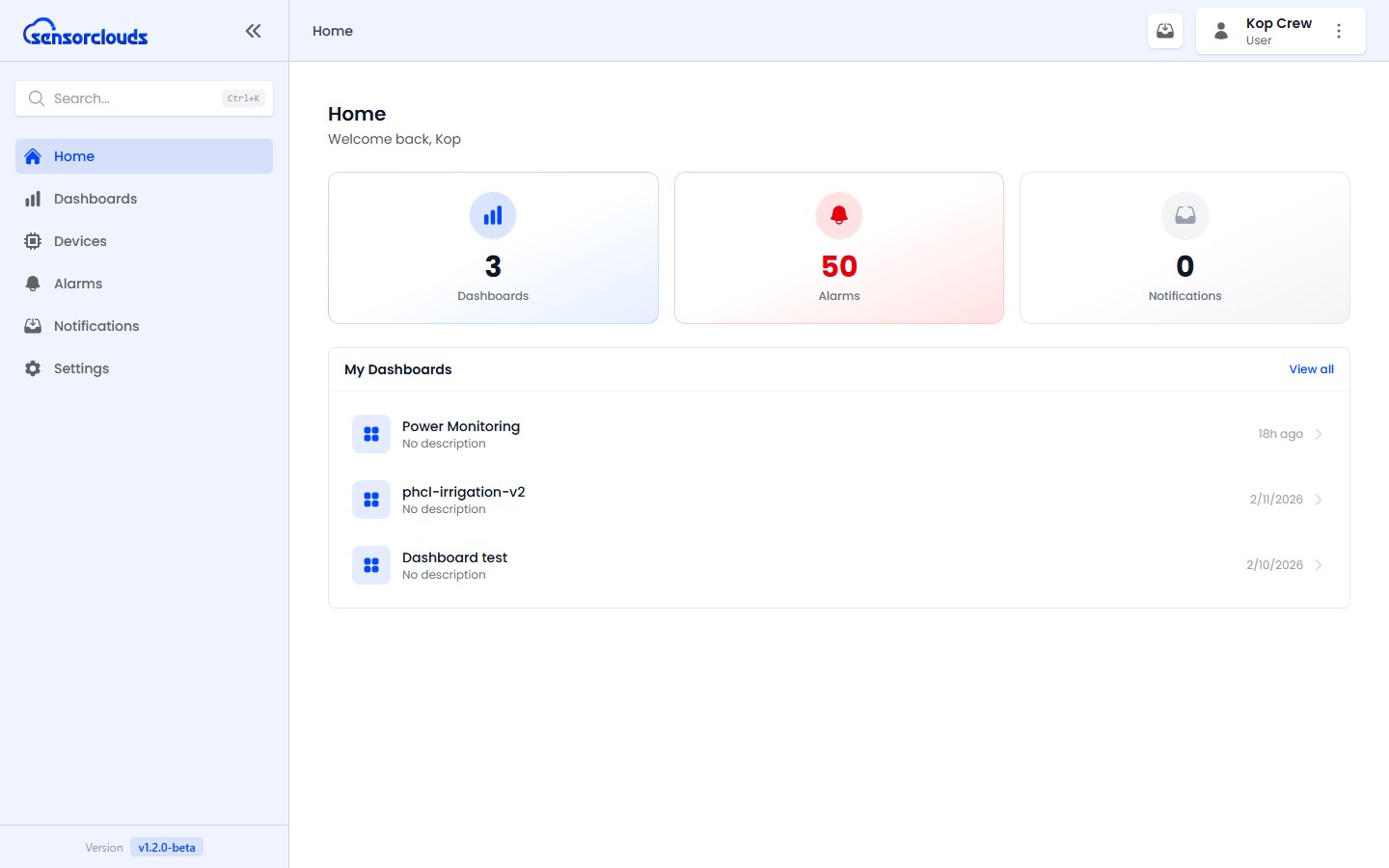
USER Crew users have read-only access to assigned resources. They are the end-users who monitor dashboards and receive notifications.
The crew experience is dashboard-centric - a focused, read-only "executive" view built around the dashboards assigned to you.
Access
- URL:
/crew/ - Layout: User Layout
Capabilities
- View dashboards assigned to you (read-only)
- Interact with Toggle widgets on dashboards to send device commands
- View device status and basic information
- View active alarms (cannot acknowledge or resolve)
- Receive and read notifications
- Edit your own profile
Restrictions
Crew users cannot create, edit, or delete any resources. They cannot access device credentials or settings, manage users or applications, or upload firmware.
Dashboard Viewer
- The crew dashboard viewer uses the same positional (drag-anywhere) grid layout as the admin viewer - but read-only, so layouts look identical to what your team built.
- Viewers show an "updated Xs ago" freshness readout so you can trust how current the data is.
Sidebar Navigation
Home, Dashboards, Devices, Alarms, Notifications, Profile