
Integrations
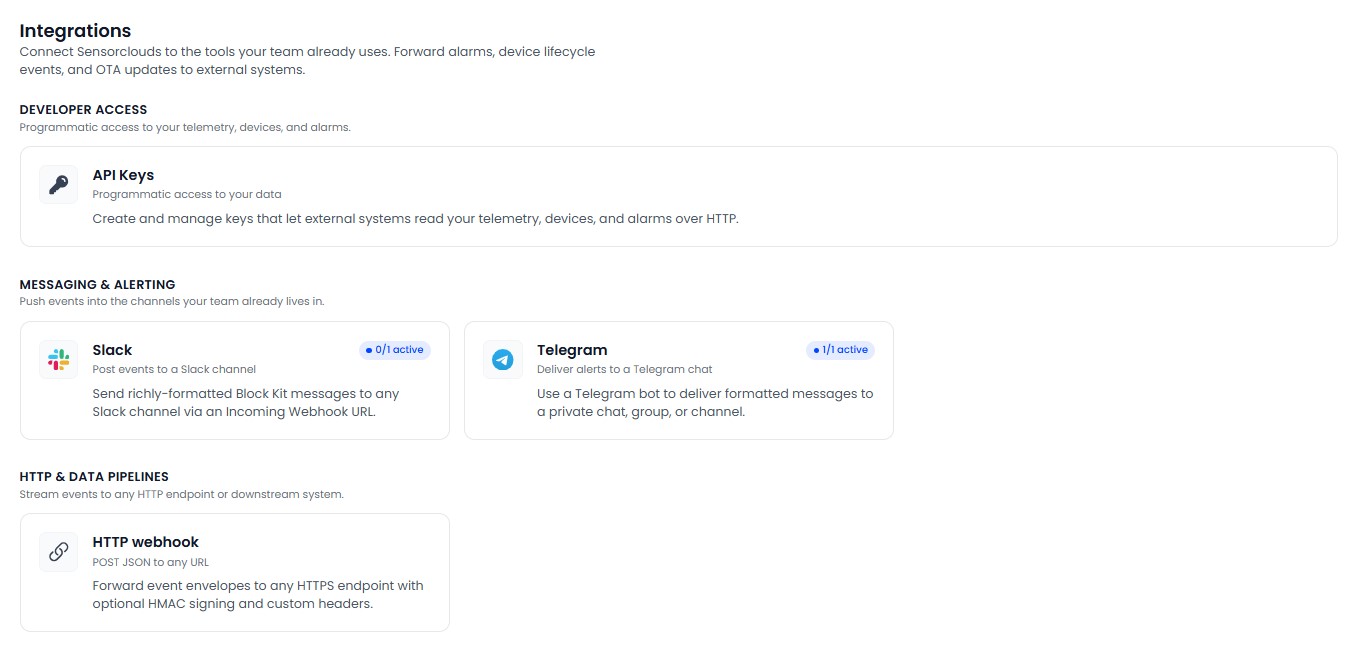
Connecting an Integration
Set up a connector, send a test event, and enable delivery
Steps
Open Integrations and pick a connector from the catalog.
Give it a Name and (optionally) scope it to one Application.
Provide the destination:
| Connector | Destination details |
|---|---|
| Slack | An Incoming Webhook URL |
| Telegram | Bot token + chat ID (set up via the connector) |
| HTTP | The destination HTTPS URL, optional custom headers, and an optional signing secret |
Choose what to send - see Choosing Events.
Use Send test to fire a sample event and confirm it arrives.
Enable the integration.
HTTP Webhooks
- Destinations must be HTTPS.
- Each delivery includes an event header and, if you set a signing secret, an HMAC signature you can verify on your side.
- Deliveries are retried automatically on failure.
- A delivery log records each attempt's status, response code, and duration.
Set a signing secret on HTTP webhooks if your endpoint needs to confirm requests genuinely came from Sensorclouds. Verify the signature with your secret before trusting the payload.