
Commands
Device Commands
Send instructions from the platform to your IoT devices via MQTT
Sensorclouds supports bi-directional communication with devices. Commands allow you to send instructions from the platform to devices via MQTT.
Use Cases
- Reboot a device remotely
- Change reporting interval for sensor data
- Toggle a relay or LED on the device
- Request a status report from the device
- Update device configuration parameters
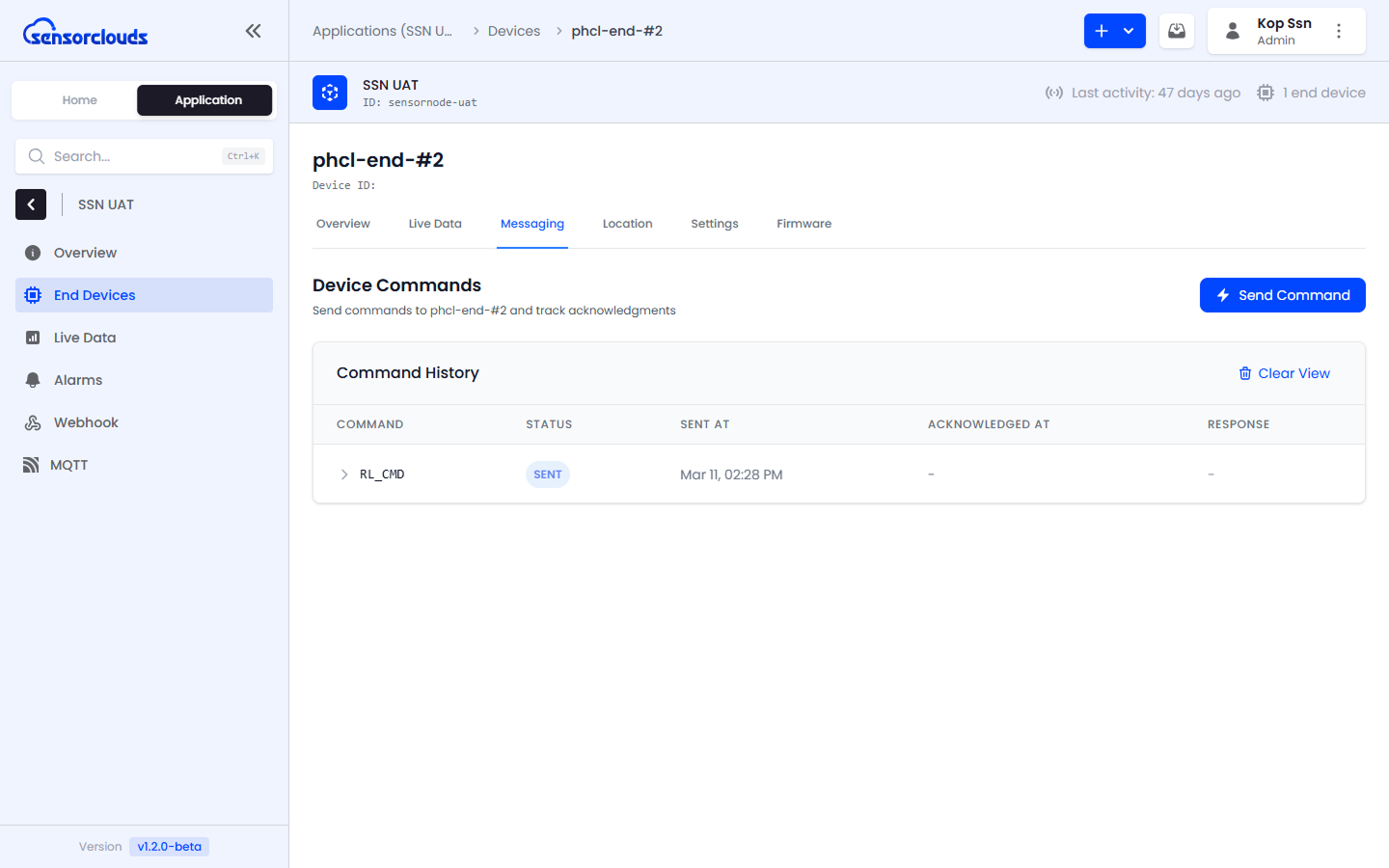
How It Works
- You initiate a command from the platform UI
- The command is published to the device's MQTT command topic
- The device receives the command and processes it
- The device sends an acknowledgment back via MQTT
- The platform updates the command status in real-time