
Your Profile
Manage your personal settings, security, and sessions
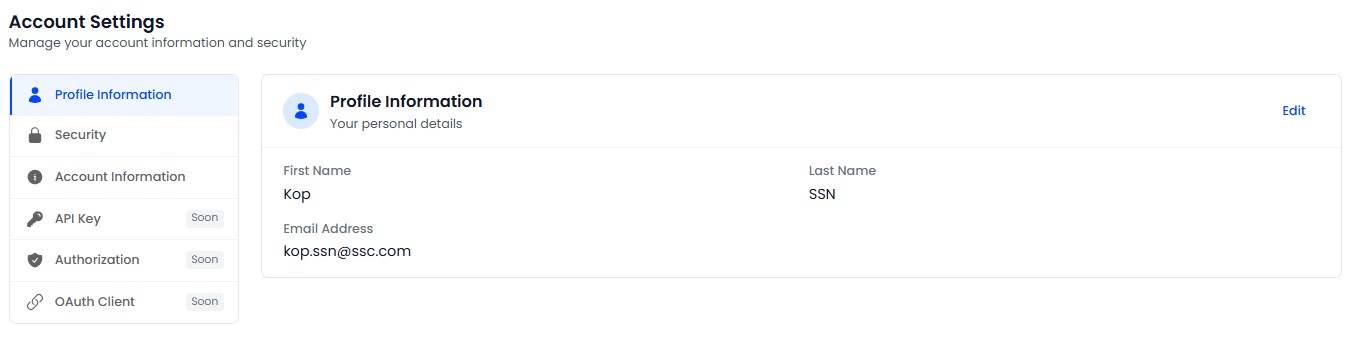
Every user can manage their own profile. Access it via the Profile link in the sidebar or the user menu.
Profile URLs by Role
| Role | URL |
|---|---|
| Admin / Engineer | /tenant-admin/profile |
| Crew | /crew/profile |
Sections
Personal Info
Edit your first name, last name, and avatar image.
Security
Change your password. You must enter your current password to set a new one. The new password must meet the platform's password policy requirements.
Notifications
Configure your notification preferences - choose which types of notifications you want to receive.
Sessions
View your active sessions across devices and browsers. You can revoke any session to force a logout on that device.
Activity
View your recent login history, including timestamps, IP addresses, and browser information.
Danger Zone
You can permanently delete your own account from the Danger Zone section. This action is irreversible and removes all your personal data.