
Security
Authentication
How Sensorclouds handles user login and session management
Sensorclouds uses JWT-based authentication with secure httpOnly cookies.
Getting Into Your Account
Self-service flows are available right from the login page:
- Sign up - register a new workspace and become its first administrator. See Creating Your Account.
- Email verification - confirm your address via an emailed link (with Resend verification if it doesn't arrive).
- Forgot password / reset - request a reset link, or have an administrator issue one. See Resetting Your Password.
Login
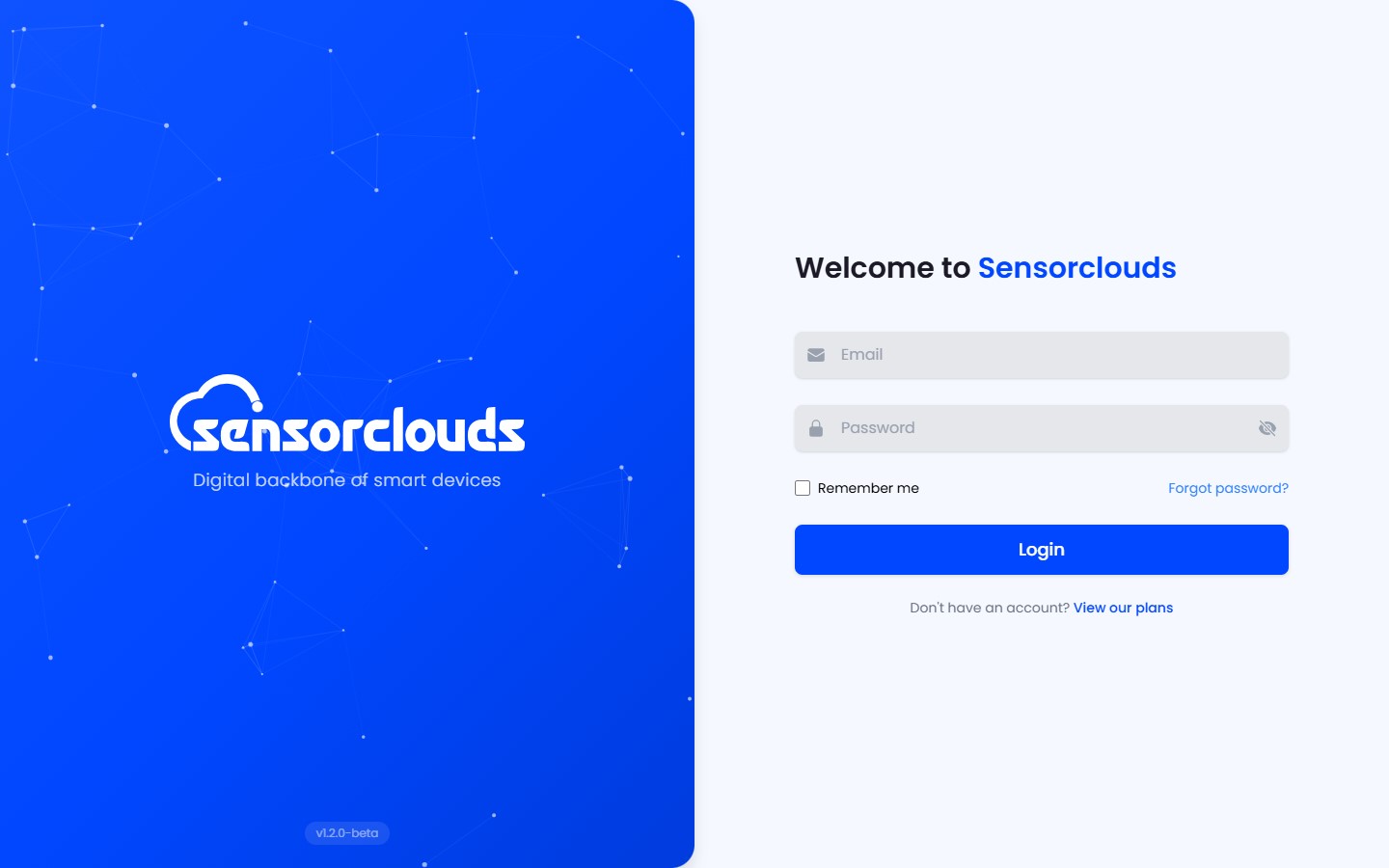
- Authenticate with email + password
- "Remember me" option controls token storage (localStorage vs sessionStorage)
- Tokens are stored as httpOnly cookies (secure, sameSite: strict)
Token Details
| Token | Expiry | Purpose |
|---|---|---|
| Access Token | Short-lived | Authorizes API requests |
| Refresh Token | Longer-lived | Obtains new access tokens |
Token Management
- Primary method: httpOnly cookies - automatically included in all requests
- Fallback: Bearer token header - for API clients and integrations
- Silent refresh: Sessions refresh quietly in the background, so you're not logged out mid-task when a short-lived token expires
- Token rotation: Each refresh generates a new refresh token, invalidating the previous one
Logout
When you log out:
- Access and refresh token cookies are cleared
- The refresh token is revoked on the server
- You are redirected to the login page
Role-Based Redirects
After login, you are redirected based on your role:
| Role | Redirect URL |
|---|---|
| Admin | /tenant-admin/home |
| Engineer | /tenant-admin/home |
| Crew / User | /crew/home |