
Search
Global Search
Find anything on the platform with Ctrl+K
Sensorclouds includes a full-screen search overlay that lets you quickly find any resource on the platform.
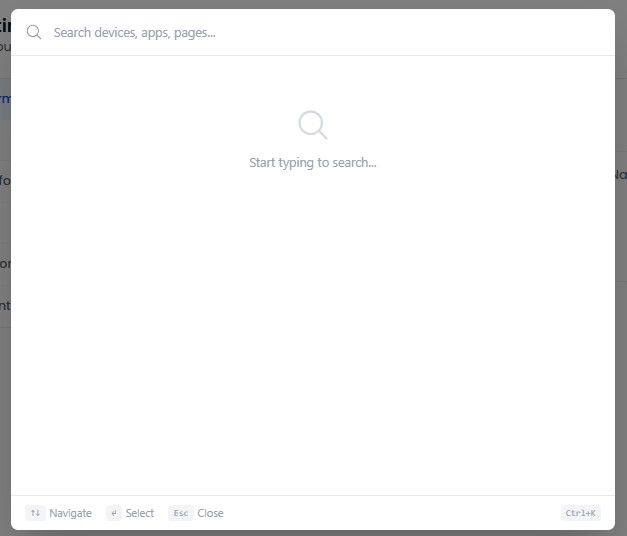
Opening Search
Press Ctrl+K (or Cmd+K on Mac), or click the search icon in the sidebar.
Search Scope by Role
| Role | Searchable Entities |
|---|---|
| ADMIN / ENGINEER | Devices, Applications, Alarms, Dashboards, Navigation |
| USER | Devices, Dashboards, Navigation |
Features
- Full-screen overlay search modal
- Real-time results as you type
- Results grouped by category with icons
- Recent searches saved locally in your browser
- Keyboard navigation: Arrow keys to browse, Enter to select, Escape to close
- Clear recent searches button
Search results are filtered by your role and tenant. You will only see resources you have permission to access.